
PHOTOSHOOT FOR LINKEDIN PROFILE: CRAFT THE PERFECT HEADSHOT
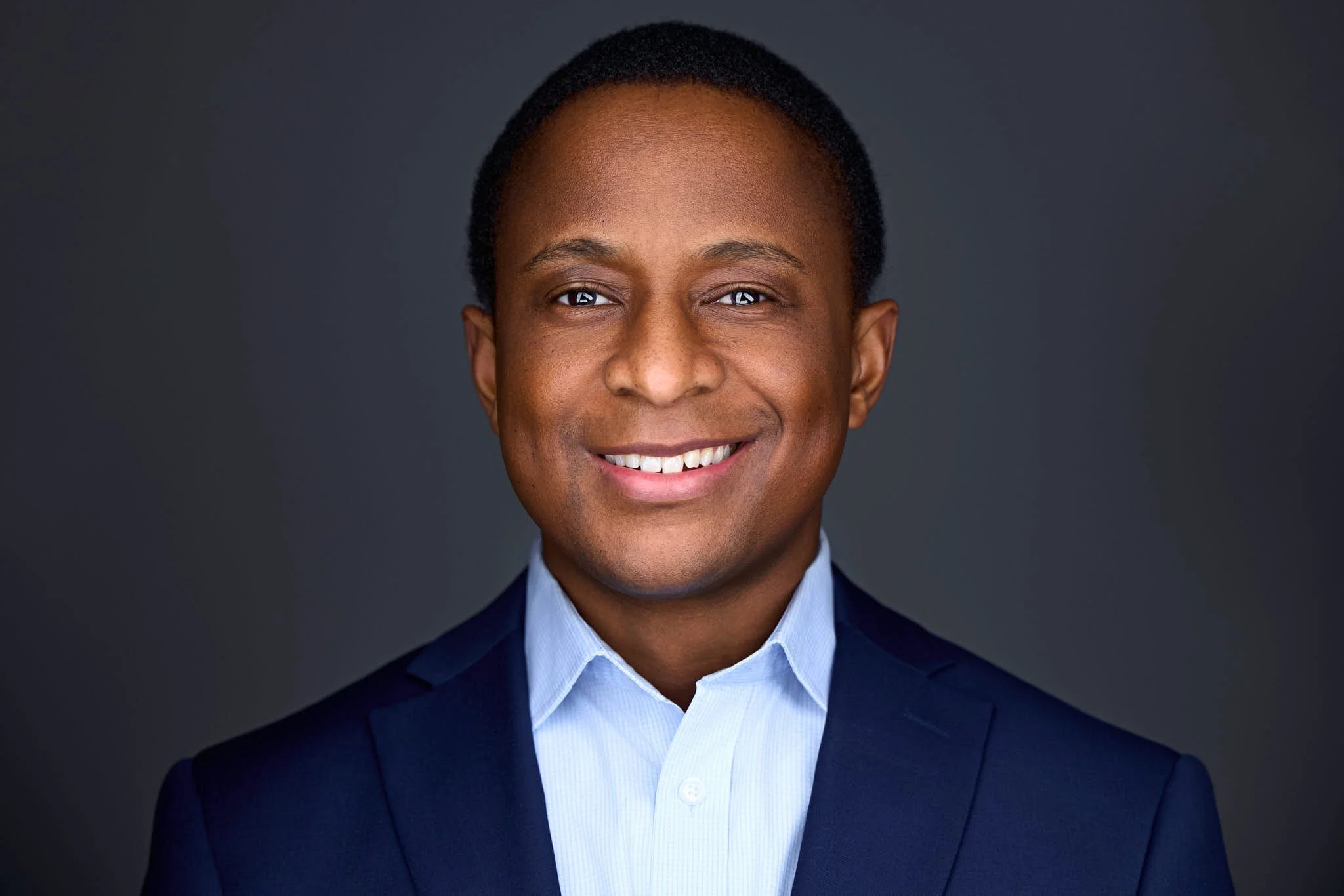
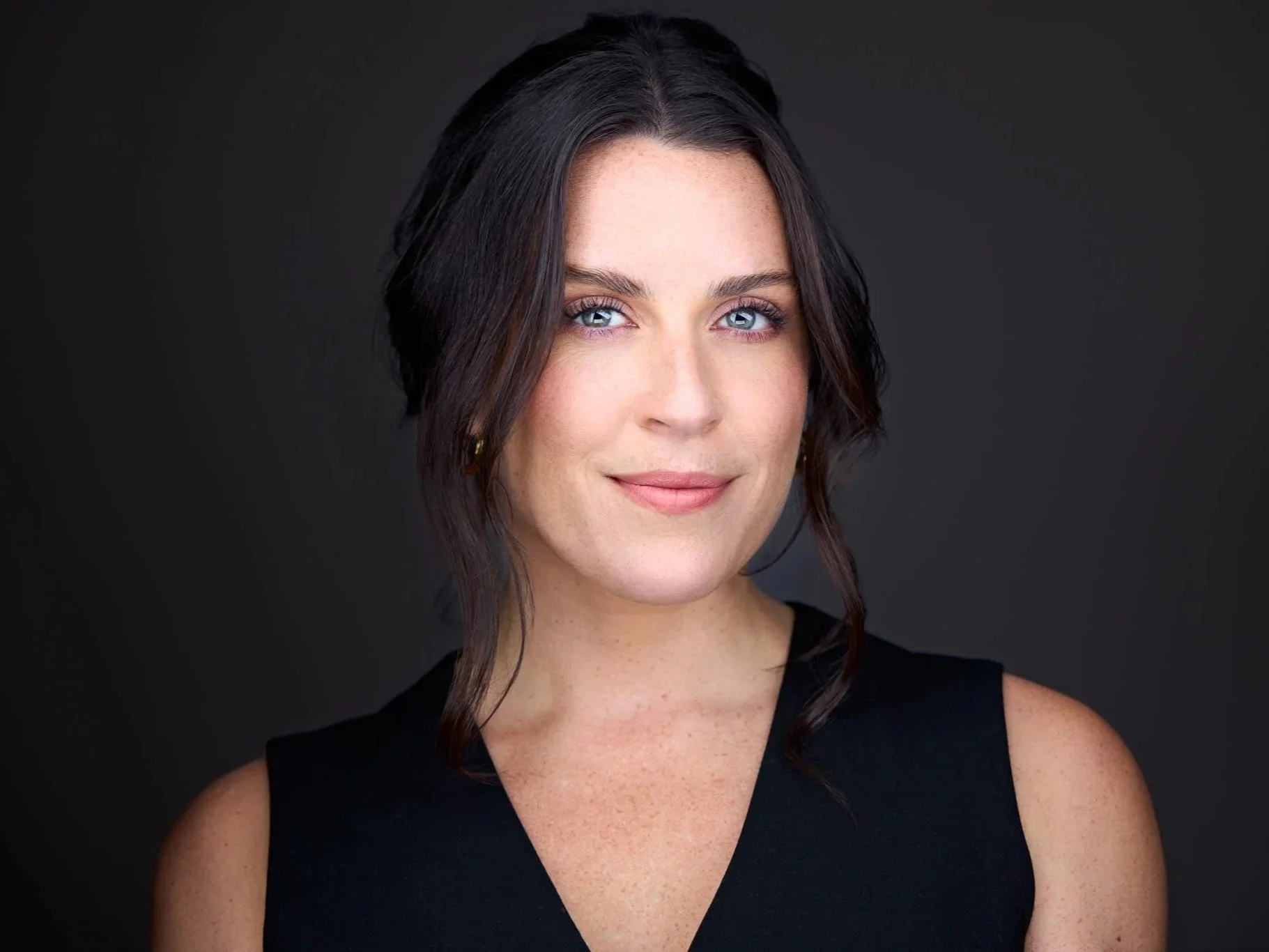
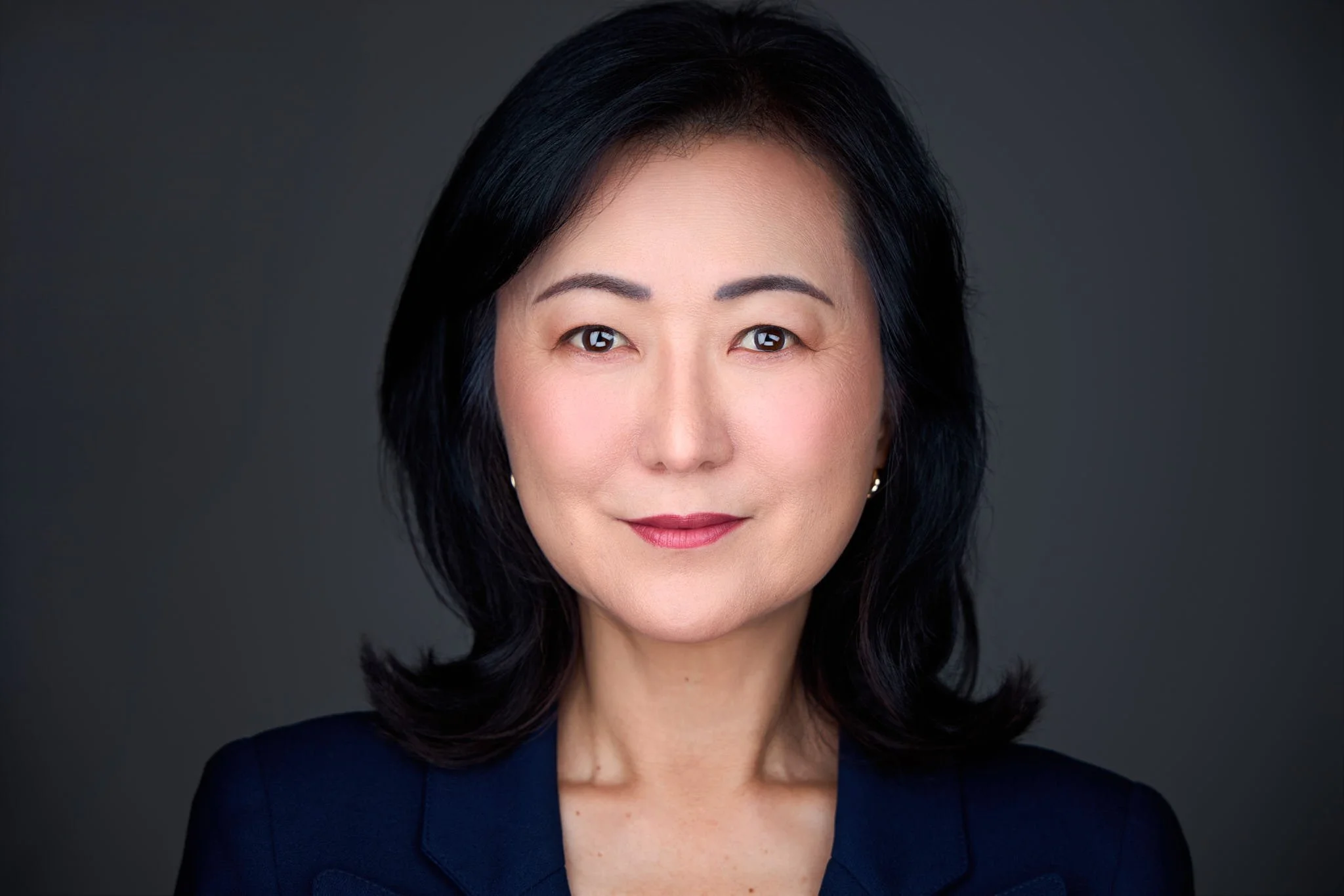
Are you trying to get more traction on LinkedIn and look more professional but don't know how to craft the perfect profile photo?
In this complete guide, I’ll walk you through everything you need to know before, during and after a photoshoot for LinkedIn profile. These are the same tips and secrets I've shared with hundreds of corporate clients to help them consistently get scroll-stopping headshots that bring them more clients and more opportunities.
We’ll start by looking at why and how to get a professional headshot, whether you hire a photographer or take it yourself. Then we’ll cover how to prepare for the best results. The right profile photo makes a powerful difference in how you’re perceived and helps you reflect the confidence, credibility, and success you want to portray.
1. How to Get the Best Professional Headshots for LinkedIn?
Let’s start with the most important thing: your LinkedIn headshot should actually look like you right now. Not you 5 years ago.
The best LinkedIn headshots balance professionalism with approachability. You want someone looking at your profile to think, “This person looks confident and competent, and I’d feel comfortable working with them.”
The way we achieve that is by following a few guidelines that we’ll outline through this article. The most important ones being:
| Element | What Works Best |
|---|---|
| Crop | Clean head and shoulders crop with the face taking up at least 60% of your picture. |
| Background | Simple non distracting background |
| Clothing | Professional clothing and colors that match your profession |
| Expression | Natural, confident, and approachable. Aim for a small smirk or a genuine smile. |
| Eye contact | Looking directly toward the camera lens |
| Lighting | Professional even lighting |
| Image quality | Sharp, high-resolution photograph |
2. LinkedIn Profile Photo Examples: What Works Best and Why?
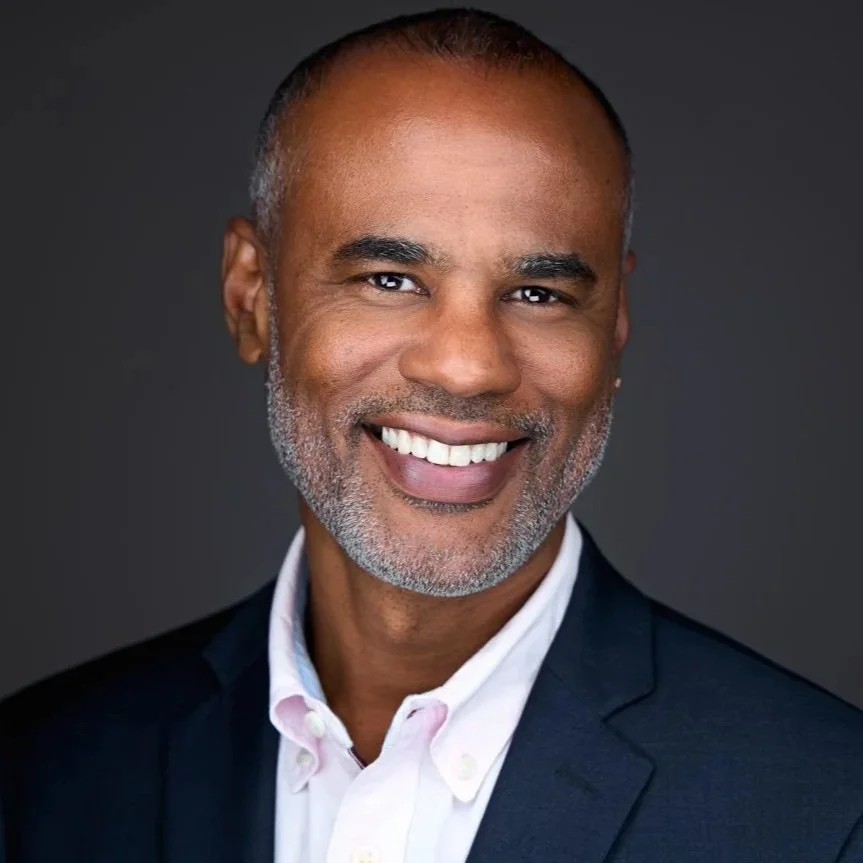
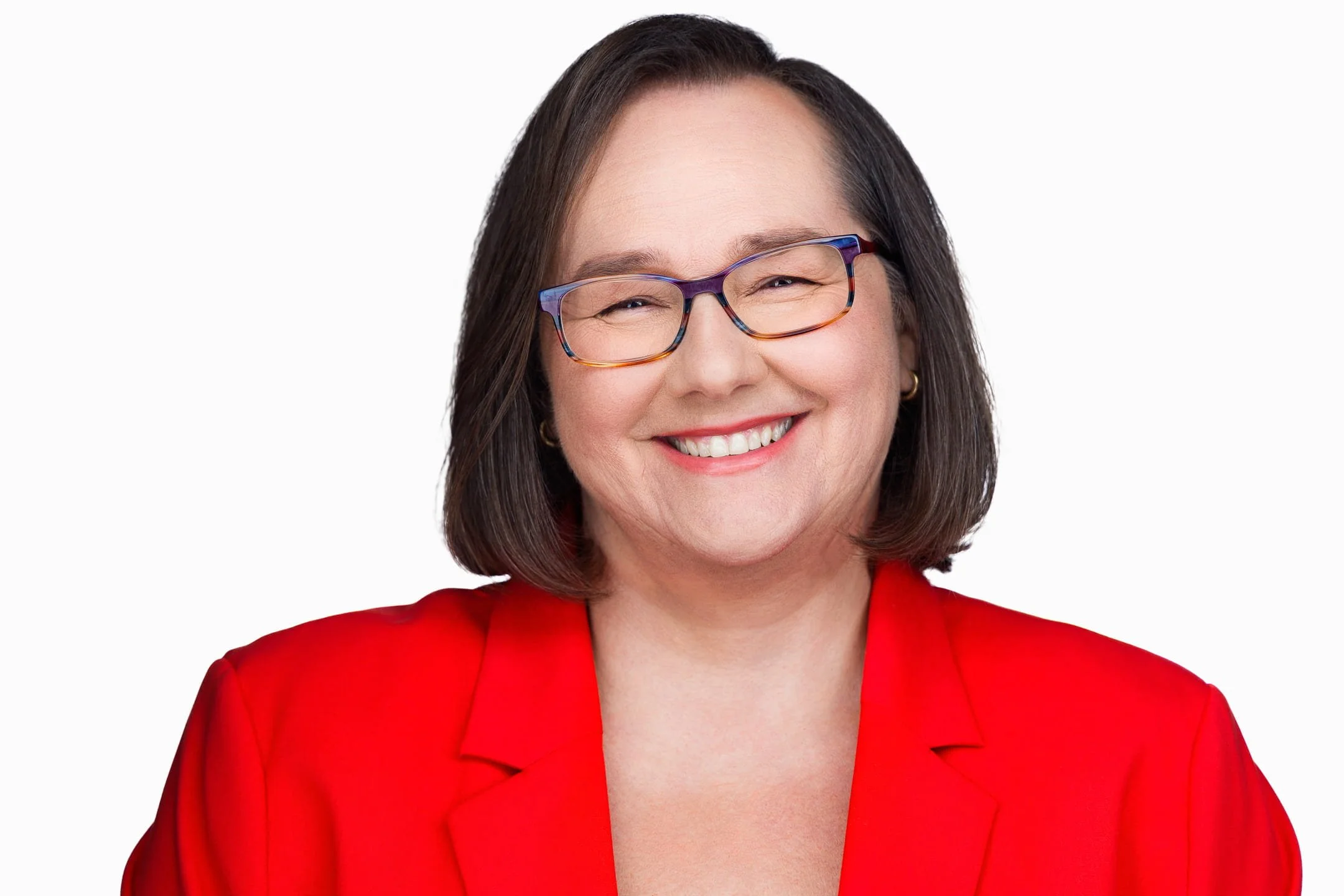
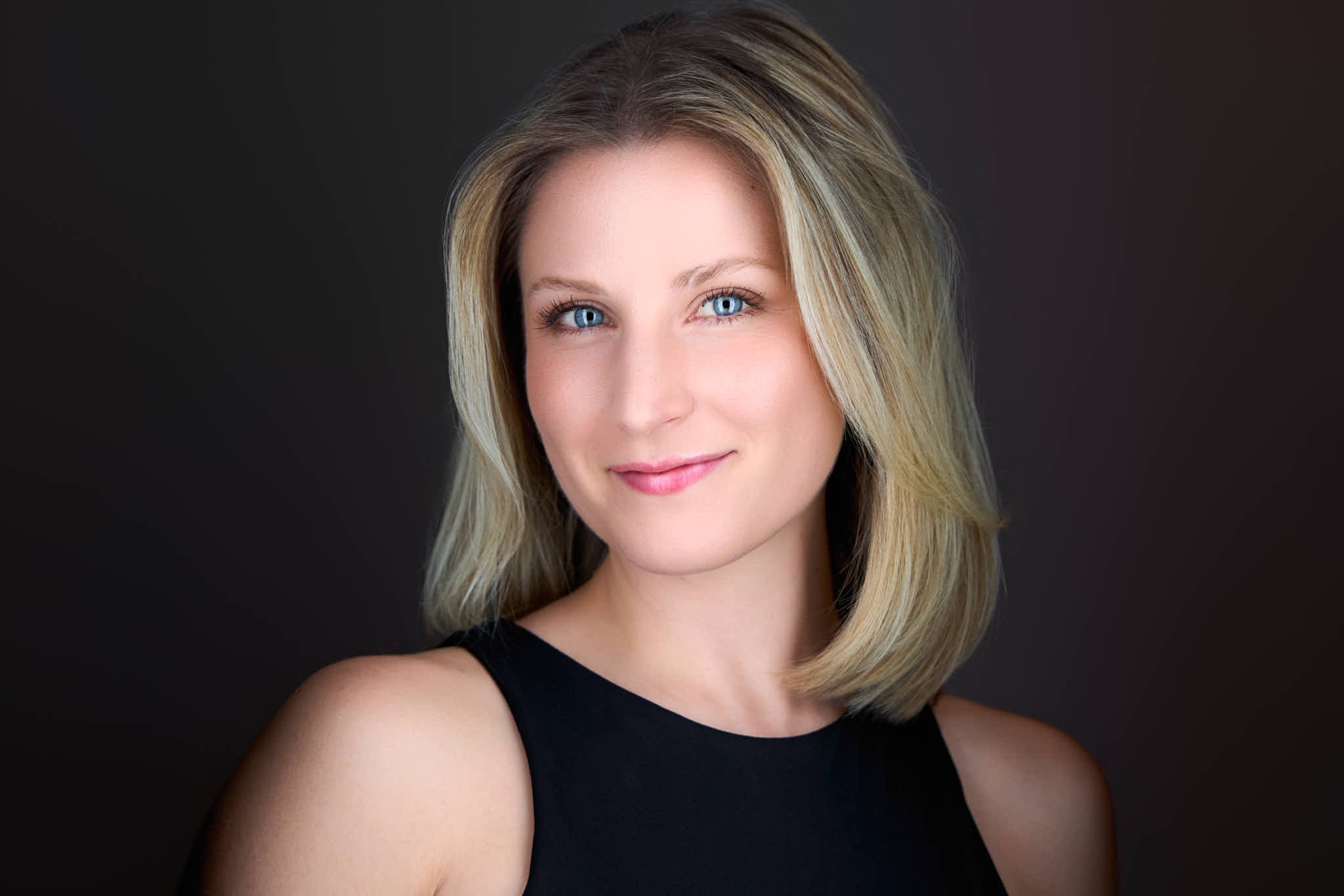
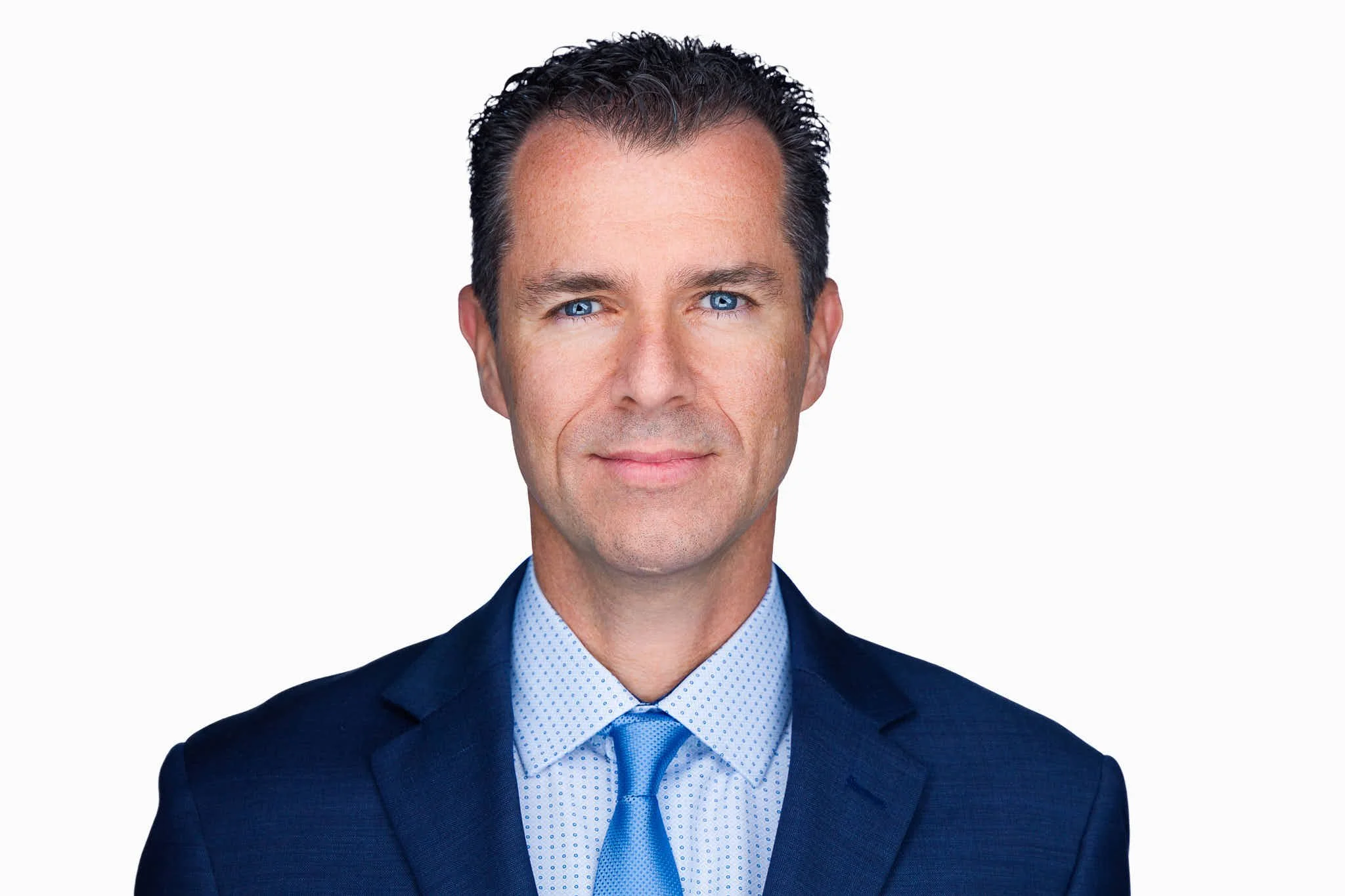
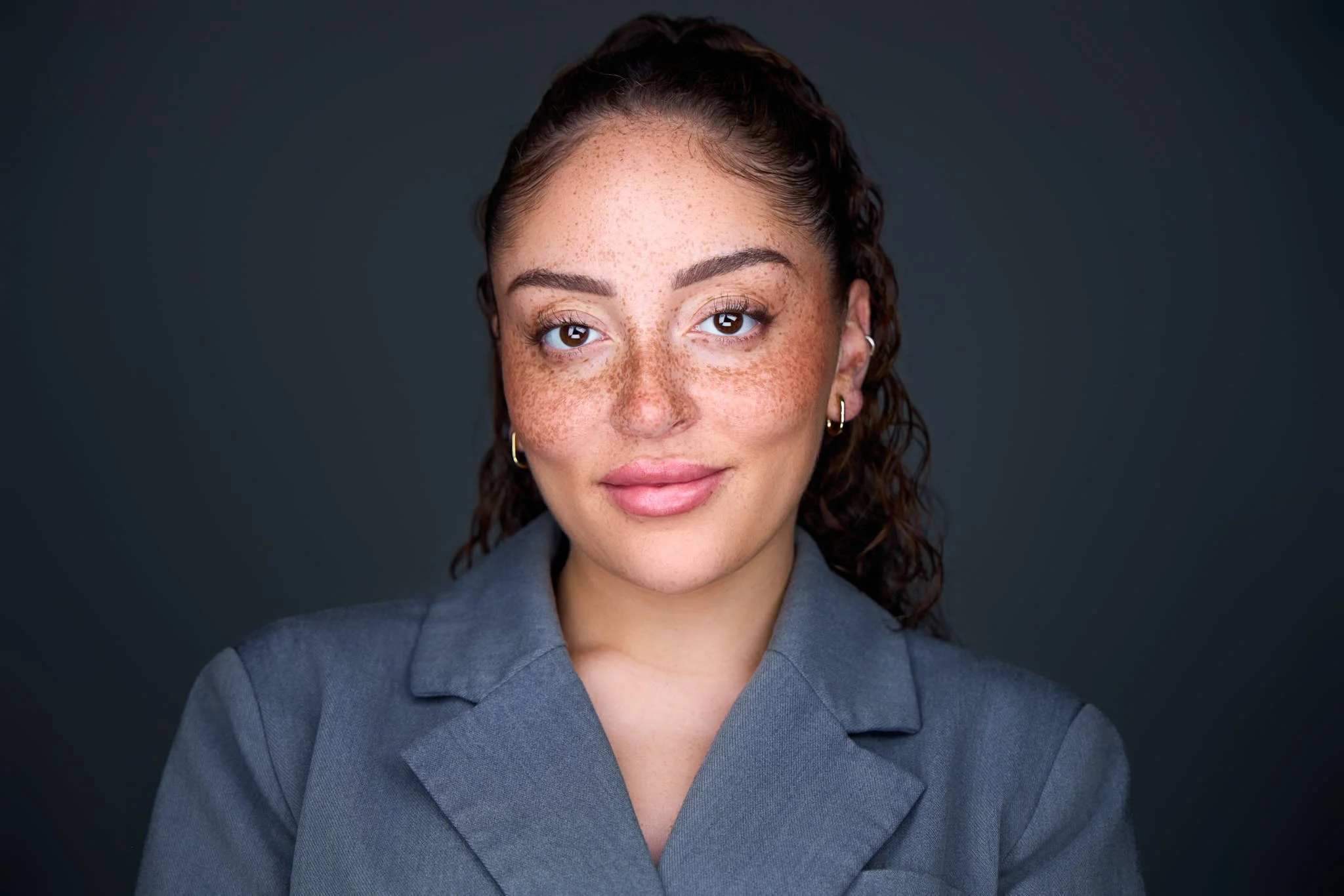
The three examples above all capture your attention immediately. Notice that although they all target different audiences, they all have the same common traits described in the table above.
Genuine smile or confident expression
Direct eye contact
Simple non distracting backgrounds
Clean head and shoulders crop
Professional clothing appropriate for the person's profession
Professional and clean lighting
Now before we discuss each of these tips individually, let's first discuss why a photoshoot for Linkedin Profile matters and what your options are to get one.
3. Why Professional Headshots for LinkedIn Matter
Your profile photo occupies relatively little space on LinkedIn, but it appears almost everywhere you do : your profile, your conversations, your posts.
LinkedIn reports that profiles with a photo receive 21 times more profile views and 9 times more connection requests than profiles without one. And the profiles with great headshots stand out exponentially more.
Your photo alone won’t determine whether someone hires you or becomes your client. But whether we like it or not, a strong LinkedIn headshot will absolutely get you more views and increase your trustworthiness and credibility. Coupled with your actual expertise, this gives you an easier chance at getting discovered for a new job or meeting more clients on linkedin.
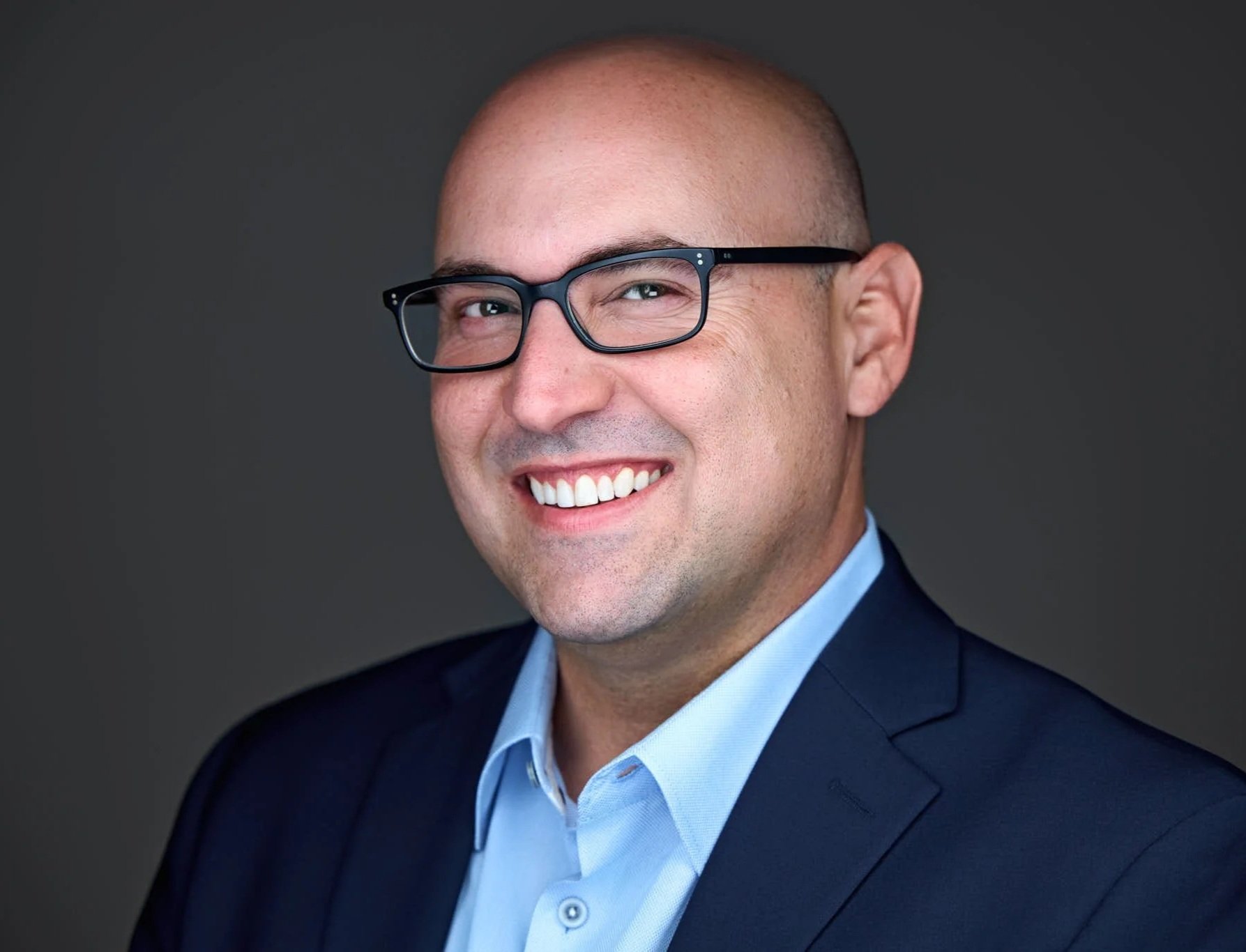
If you still don’t believe me, ask yourself: which financial advisor looks more professional?

4. Professional Photoshoot for Linkedin, DIY or AI Headshot?
You’re probably wondering if you should hire a photographer or try to take a picture yourself. After all, a professional photoshoot for Linkedin is an investment, so let's see when it's worth it.
| Option | Best For | Advantages | Limitations |
|---|---|---|---|
| Professional Photographer | Professionals trying to get more clients, opportunities, or build credibility | Highest-quality result, professional lighting, posing and expression coaching, strengthens your personal brand | Most expensive option |
| DIY / Ask a Friend | Students or professionals who mainly need a recognizable, professional photo | Affordable and can look good with basic lighting and photography skills | Less likely to stand out or strengthen your personal brand |
| AI Headshots | People who simply want something better than a phone selfie | Fast, convenient, and inexpensive | Can look artificial or unlike you, potentially hurting trust and credibility |
Professional Photoshoot for Linkedin
Absolutely hire a linkedin headshot photographer if you are in any situation where you are trying to get more clients, more opportunities, or gain more credibility and respect on Linkedin (and able to afford it).
Here's the truth about headshots, mediocre ones will make you recognizable and are much better than not having one at all, but they will not make you stand out and make your job easier. If you want your branding to give you an edge, it has to be done right.
While this is the most expensive option, a linkedin profile photoshoot is one of the most important investments in your personal brand, and will pay for itself. You can also use the image in a website, your email signature, and business cards.
Examples of professionals who would benefit from a good headshot are: bankers trying to get more clients on linkedin, sales associates, students or professionals looking for new opportunities, and managers or CEOs who want to portray professionalism and trustworthiness.
In the next section we’ll discuss how to find the right headshot photographer in your city.
Do It Yourself: Take a Self-Portrait or Ask a Friend
A well-lit DIY headshot taken by you or a friend is a good budget-friendly option if you simply want to look recognizable and professional on LinkedIn, especially for students or professionals who don’t need to build a stronger personal brand. It won’t necessarily help you stand out, but it’s much better than having no headshot at all. Here's a youtube guide on taking professional headshots with a smartphone.
AI Headshots
AI headshots are a possible option for people who just want a decent photo on linkedin that's better than a phone selfie. AI headshots often look artificial or unlike you, so I would avoid them if building trust and credibility through your personal brand is important. Clients or recruiters can often spot when a headshot is AI-generated, which can hurt professionalism and trust.
If you do use AI, make sure it doesn't look like AI.
5. How to Find the Right LinkedIn Headshot Photographer
There are a couple of ways to find the perfect linkedin headshot photographer.
1. Use Headshotcrew's headshot photographer directory
Here you will find many expert photographers who are trained specifically in photoshoots for linkedin profiles. Many of them have trained directly with world renowned headshot photographer Peter Hurley. Look at their portfolio, and find the one that speaks more to you.
2. Search google or google maps
The best photographer might not show up on page 1, but in general here are good search terms:
Professional Headshots
Professional Headshots (“your city”). So if you're in New York : Professional Headshots New York
Make sure they specialize in corporate and professional headshots, and not just everyday portraits. Then look at the people in their portfolio. Do they look comfortable? Do their smiles look real? Do the photos look professional and trustworthy?
3. Come to my studio for a professional headshot in Montreal
If you live near Montreal, I specialize in professional headshots for Linkedin! I invite you to check out my services for professional headshots
6. How Much Does a Professional Photoshoot for Linkedin Cost?
There isn’t one universal photoshoot for linkedin profile cost.
My own experience and LinkedIn’s own photography guide show that professional headshots will typically cost somewhere around $200–$400. Although prices vary considerably depending on your city, the photographer, and what is included.
The most important thing to remember is that a professional headshot is an investment. If one extra client or a better job pays for it, hiring a professional is worth it. A mediocre $100 headshot might do nothing for your personal brand, while a great $200 headshot could easily pay for itself. So saving $100 going for the cheaper, riskier option just doesn't make sense as an investment.
7. Best Outfits for Linkedin Headshots
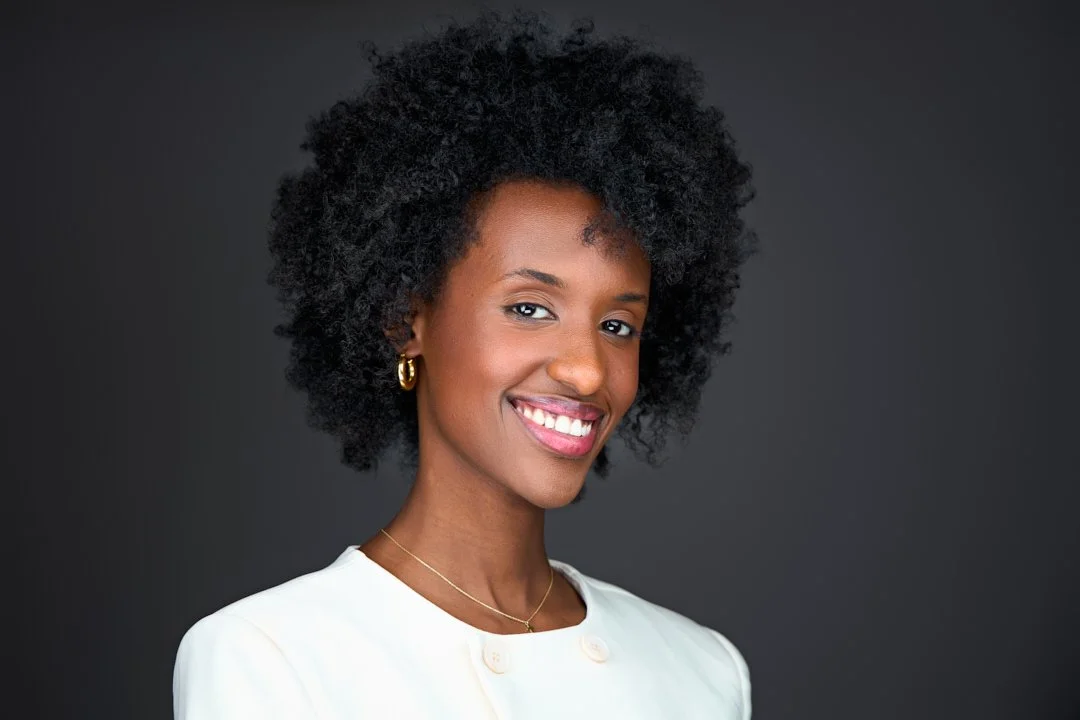
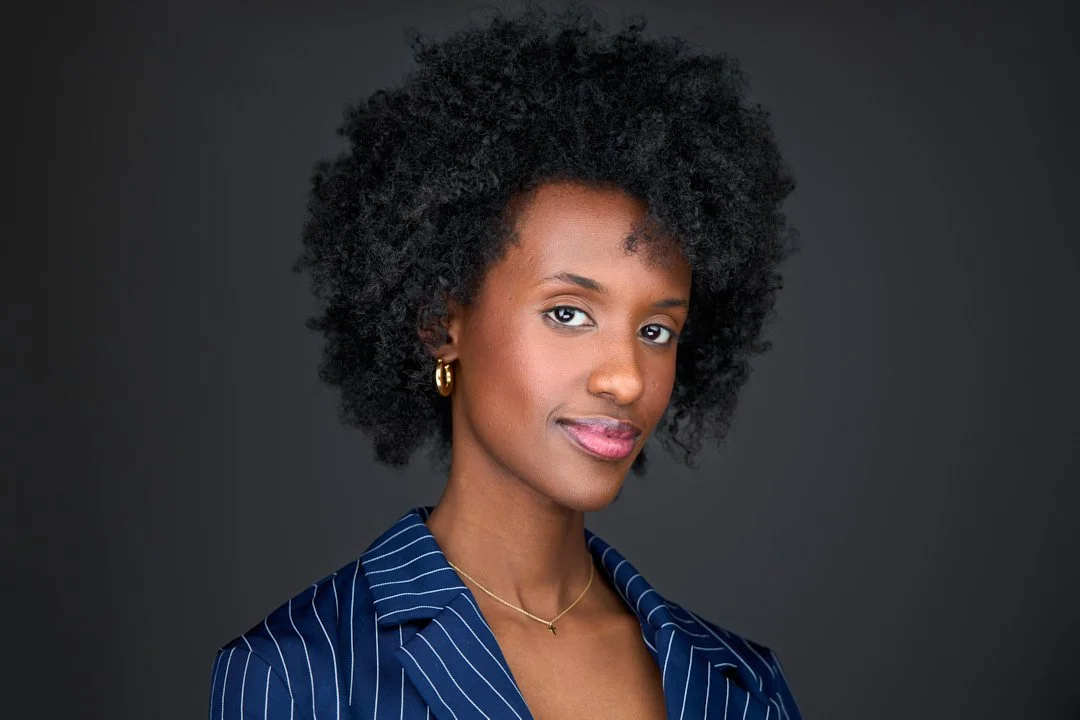
Are you emphasizing approachability and casualness or professionalism? What to wear on a photoshoot for your Linkedin profile will depend on what you want to portray.
Darker colors (black, navy blue), suits, and dress shirts tend to convey more corporate leadership.
Lighter colors (whites, light blue, light gray) or less corporate outfits tend to convey more approachability.
As long as you keep the clothing on the simple/classic side, you'll be fine, such as your best fitting professional dress or your best suit for men. Polos and clean shirts can work well for a more casual option.
| Clothing Element | What Works Best |
|---|---|
| Colors & Patterns | Choose solid colors or simple, non-distracting patterns. Your face should be the focus, not your outfit. |
| Fit & Wrinkles | Wear well-fitting clothing that isn’t too baggy or tight. Iron or steam your clothes so they look crisp and wrinkle-free. |
| Collars & Structure | Choose structured tops and firm collars that hold their shape. Avoid flimsy collars or necklines that collapse. |
| Jewelry & Accessories | Keep accessories minimal. Simple earrings and delicate necklaces work well; avoid anything large, reflective, or distracting. |
8. What is the Best Color to Wear for a Linkedin Profile Photoshoot?
The color of your clothing is one of the main differentiators between a professional looking headshot and a mediocre one.
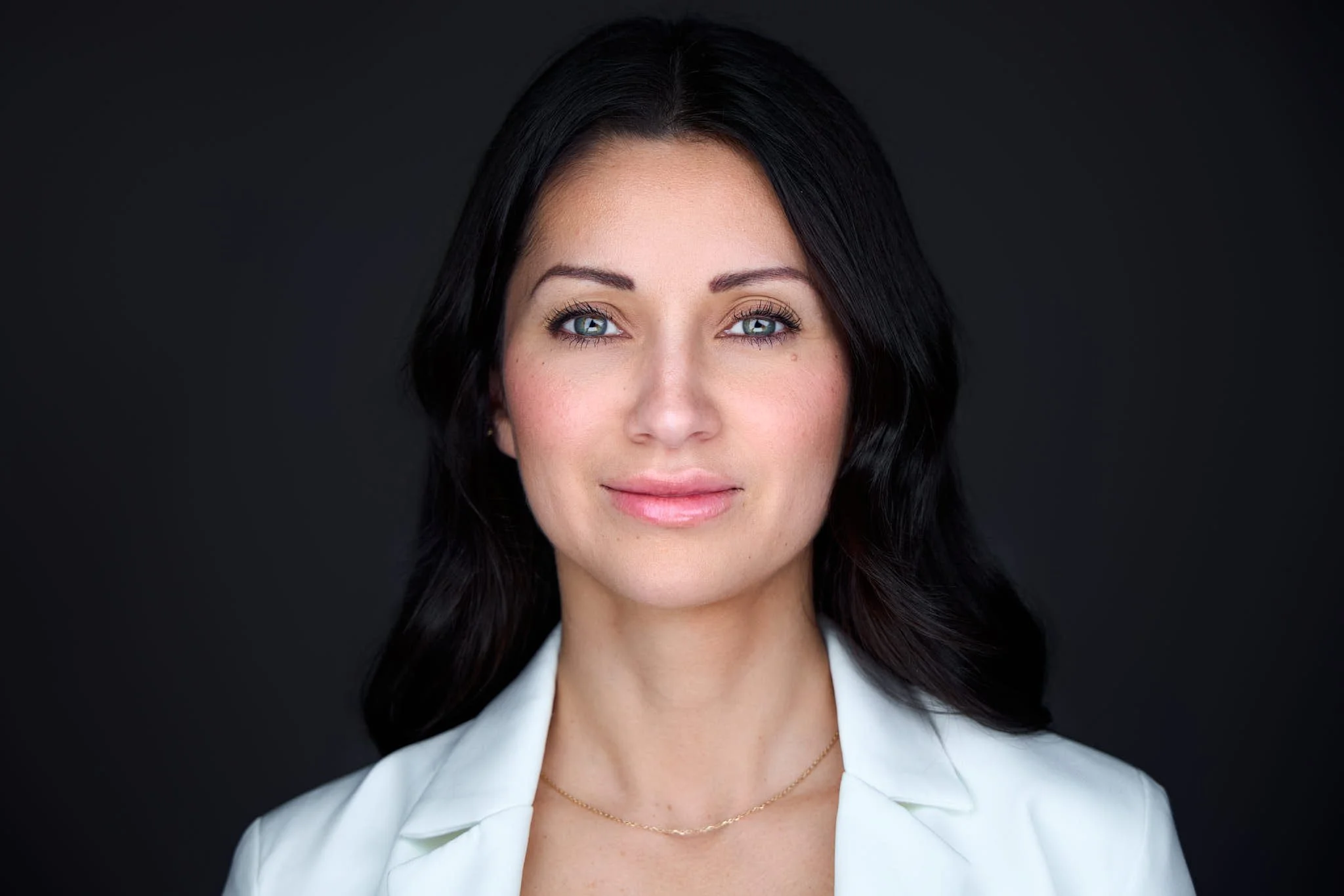
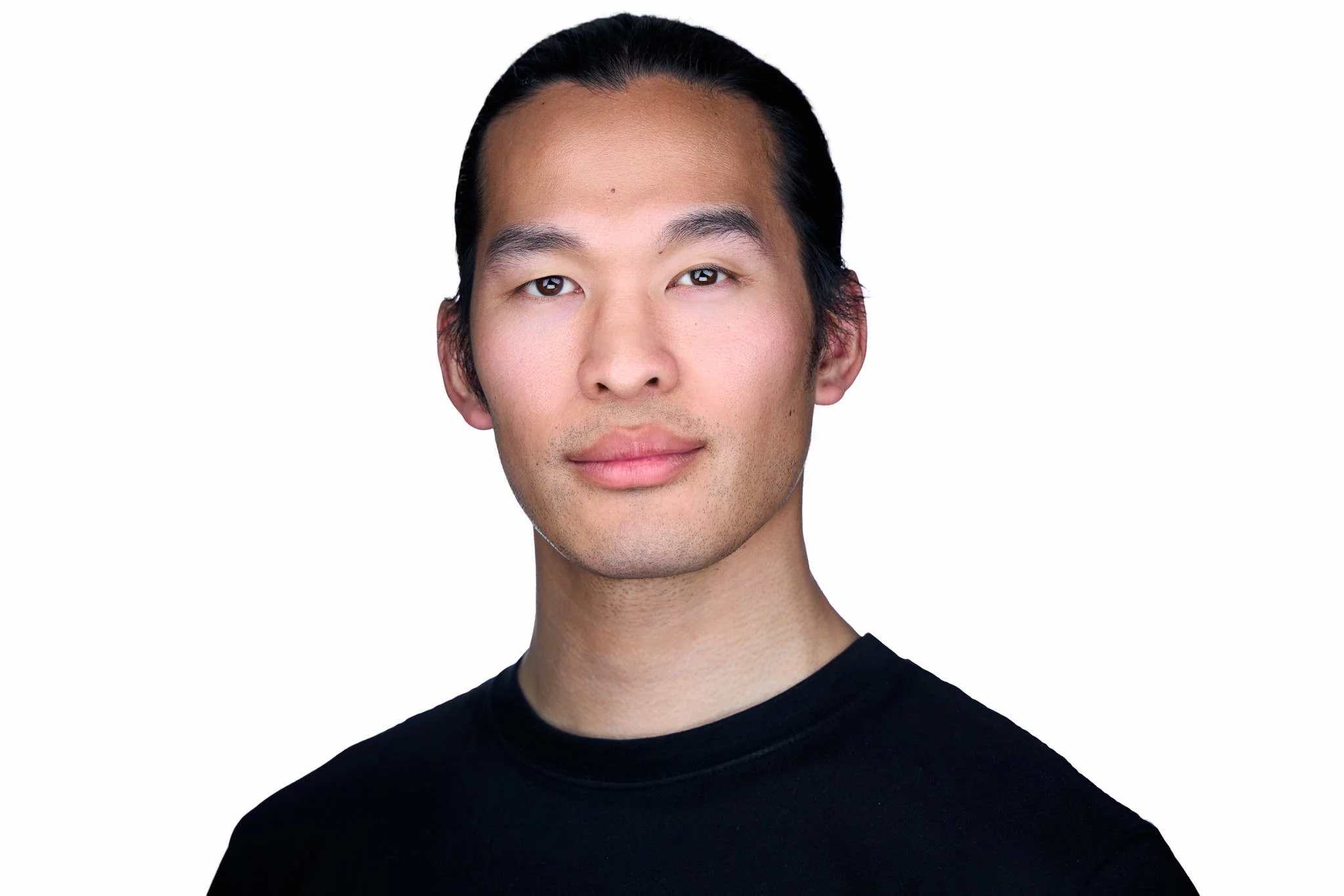
First, if you're coming to my studio, make sure you bring at least 1-2 variations of classic neutral tones when it comes to corporate headshots. The star of the show should be your face and your expression, not your clothing.

WHEN UNSURE, STICK TO THE CLASSICS! These colors are
White
Black
Gray
Navy Blue, Light Blue
Earth tones such as light Browns and Beiges
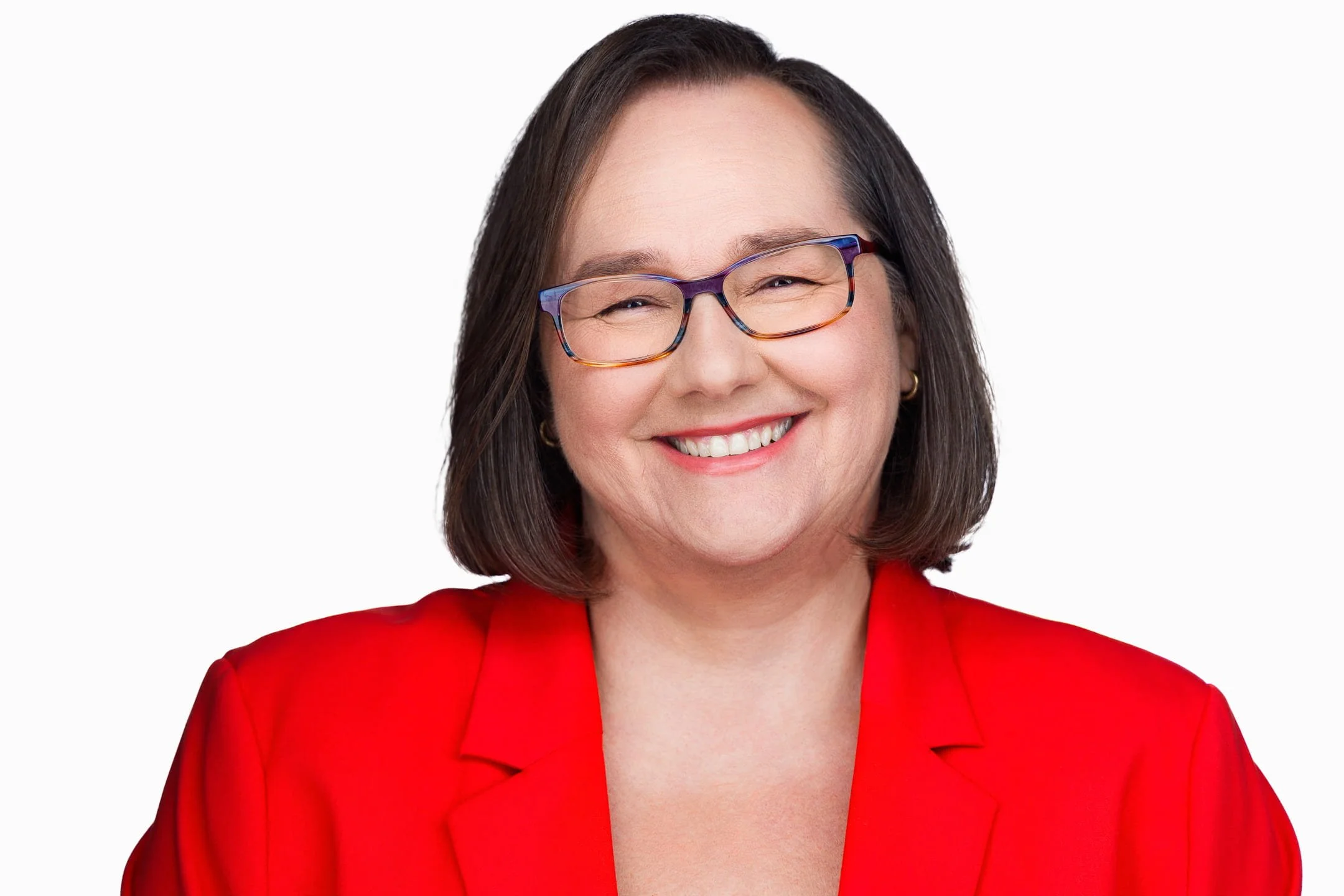
Also try color variations that make you feel great and confident.
If your favorite outfits are on the bold or bright side, such as reds, oranges, pinks, still bring them! Sometimes the best outfits don't follow the photography norms, and if you feel amazing in an outfit, it's important to try it out.
The crucial part is to make sure you have at least 1-2 classic options, because we know these work consistently.
9. How To Prepare for Your LinkedIn Headshots?
Hair and facial hair:
You don’t need to transform yourself for a headshot. You want a polished version of yourself. Make sure your hair is well done, and make sure your facial hair is groomed correctly. Pay particular attention to grooming your neck and cheek areas.
Headshot Moisturizing:
For the face I highly recommend everyone put on a good amount of moisturizer or aloe vera.
For the lips women can use a simple lip gloss / lip balm and avoid heavy lipstick. Men should also use lip balm before their photoshoot to avoid chapped lips!
Women's Headshot Makeup
Women’s makeup should look as if you were going to a company event and trying to impress people. That means nothing pushed to the extreme. When it comes to professional headshots makeup, you want your makeup to be light and fresh. Natural makeup that simply emphasizes your natural beauty is best.
Heavy makeup doesn’t photograph well in headshots. If you’re worried about covering up blemishes or wrinkles, it’s much easier for us to edit out blemishes than trying to manage makeup concealing them. For more tips on clothing, colors and accessories, check out my complete guide on what to wear for professional headshots for women.
10. Best Expressions for LinkedIn Headshots?
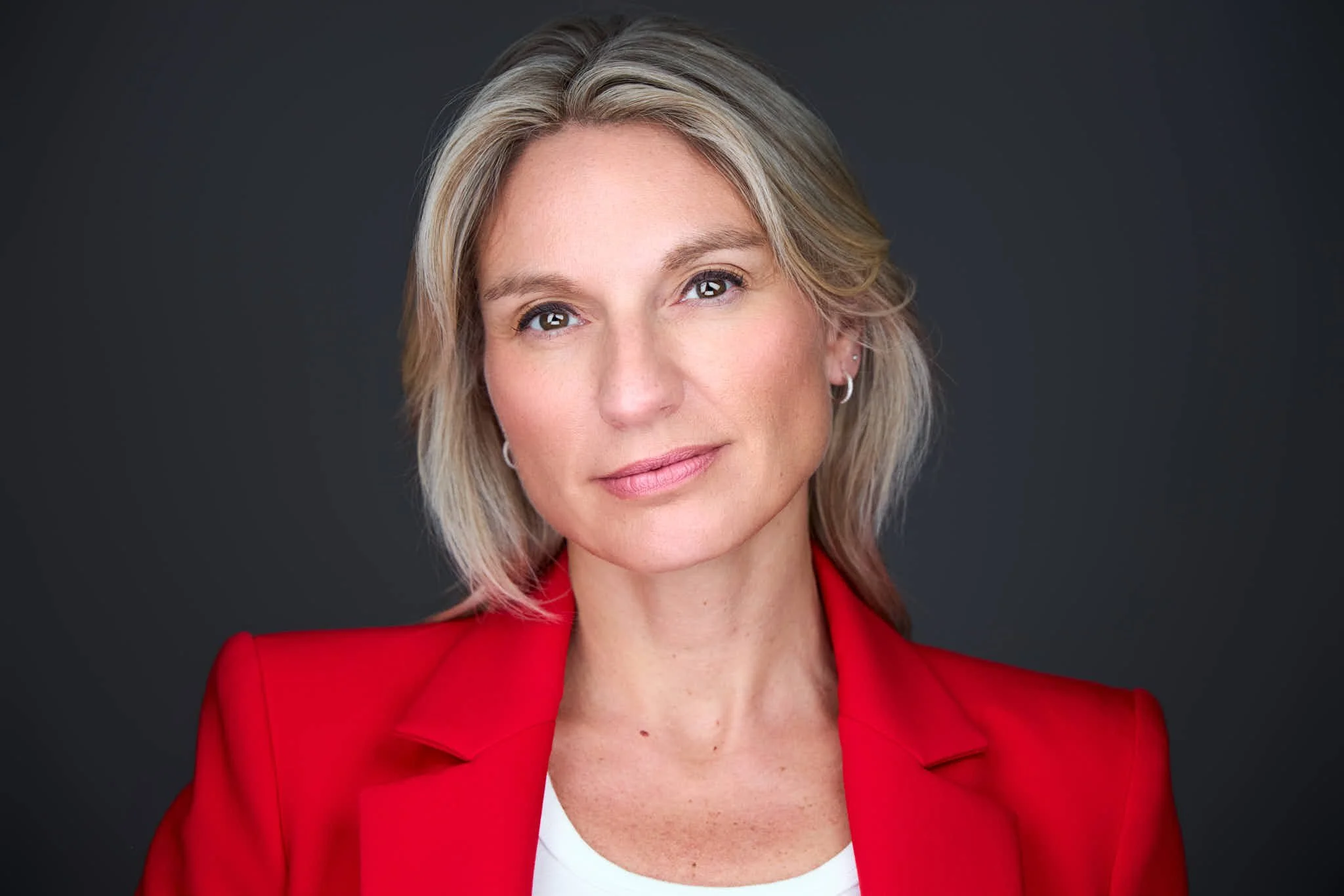
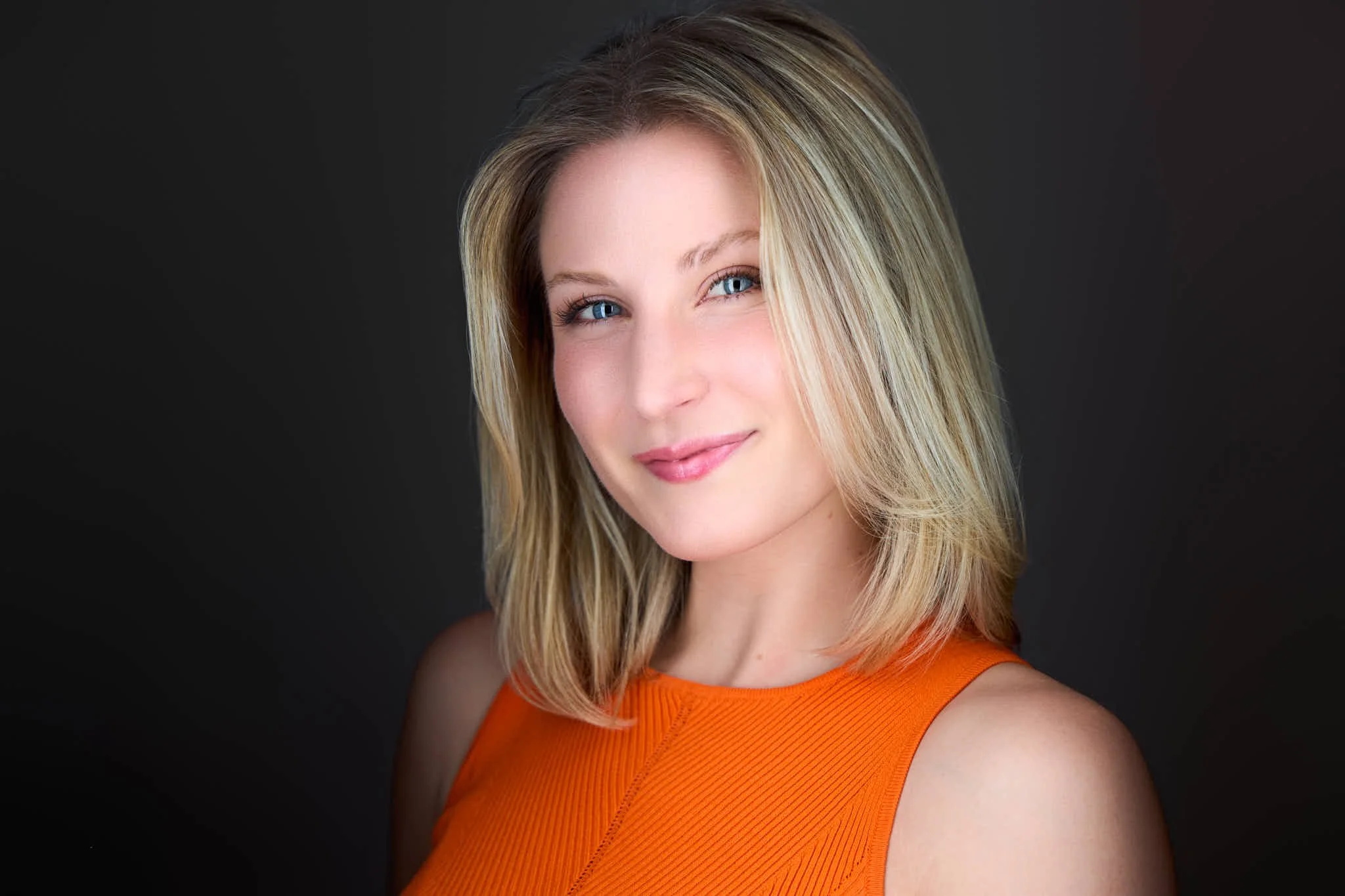
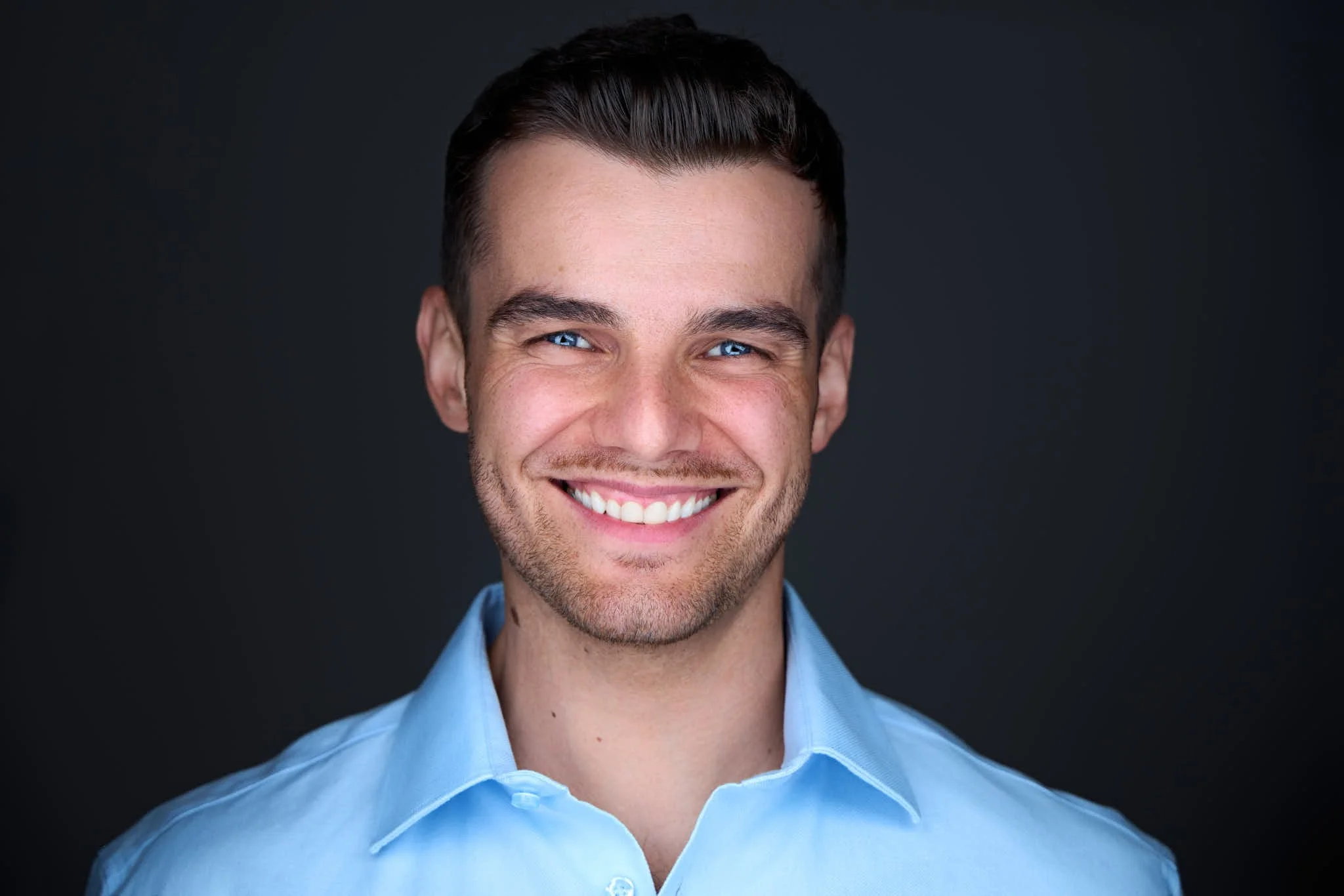
The best expressions for Linkedin headshots will be natural expressions that convey trust and professionalism. In my headshot sessions, I guide you on how to achieve the best two main categories seen below.
1. The Confident and approachable smirk
If you want to look confident and approachable, imagine yourself shaking the hand of a new client or a potential employer. Try to embody that professionalism when you are posing for your headshot.
2. The Genuine Smile.
If you want a genuine smile, you will have to laugh and be in a good mood for real! So try to think about something funny before you smile, or picture a moment with someone that brings you joy.
11. What LinkedIn profile picture background to use?
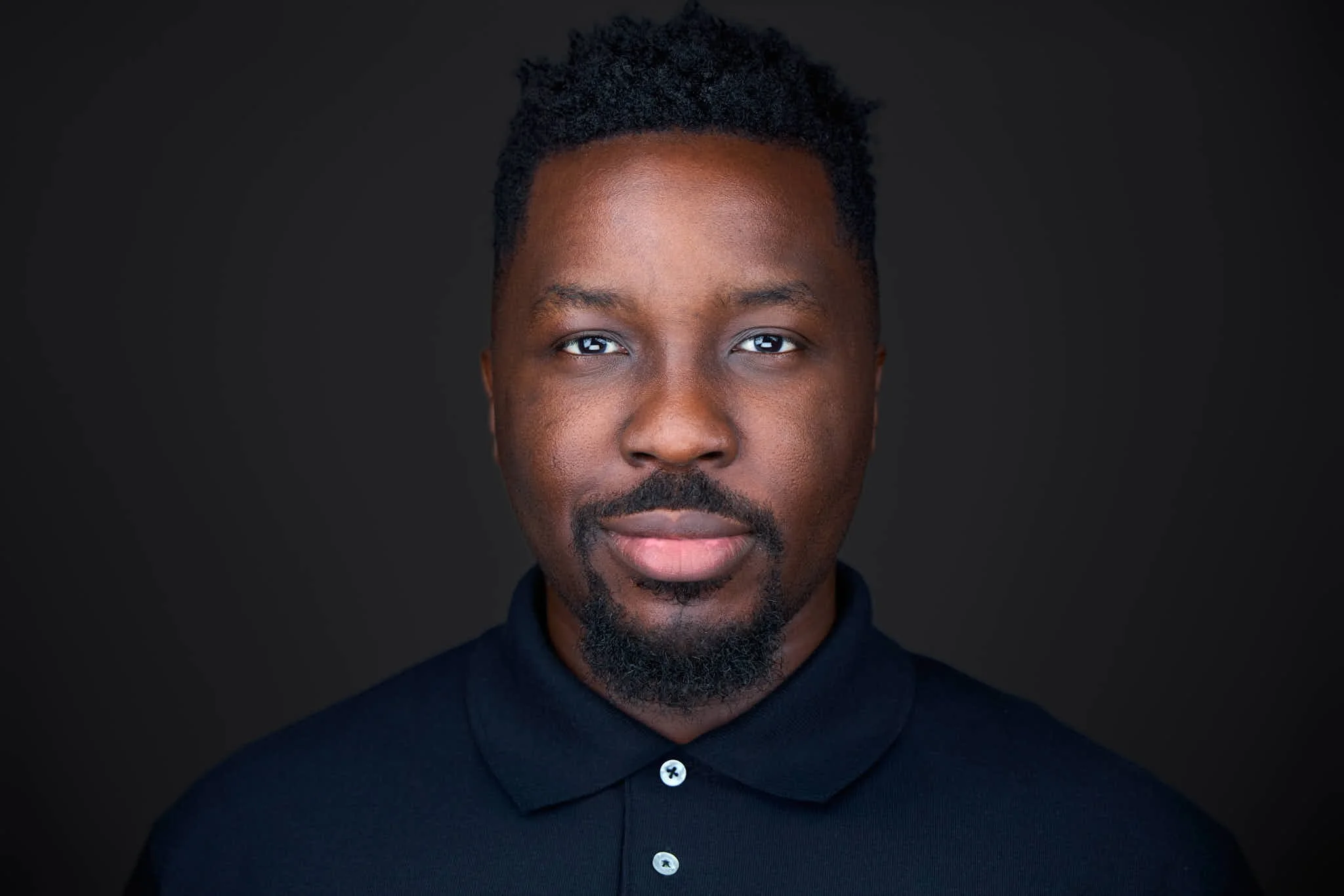
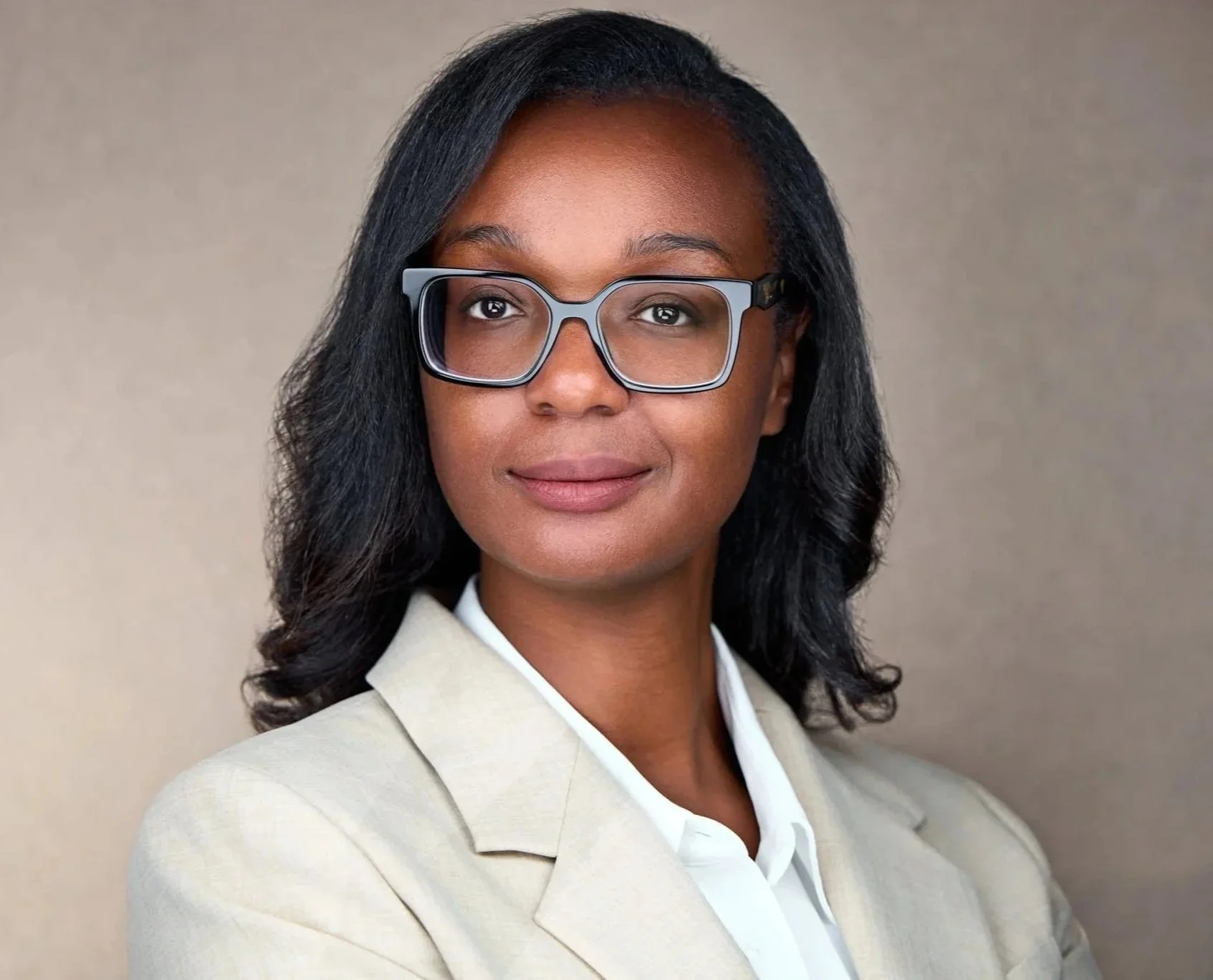
I recommend keeping the background simple and sticking to the classics. These are white, dark gray, light gray and black. These backgrounds work incredibly well because they don’t distract from your face and they’re easy to reuse across different professional platforms.
Environmental backgrounds can work too, but they are harder to do correctly. Alternatively, if a colored backdrop matches your personal brand better, you might also opt for that.

12. What LinkedIn profile picture background should you use?
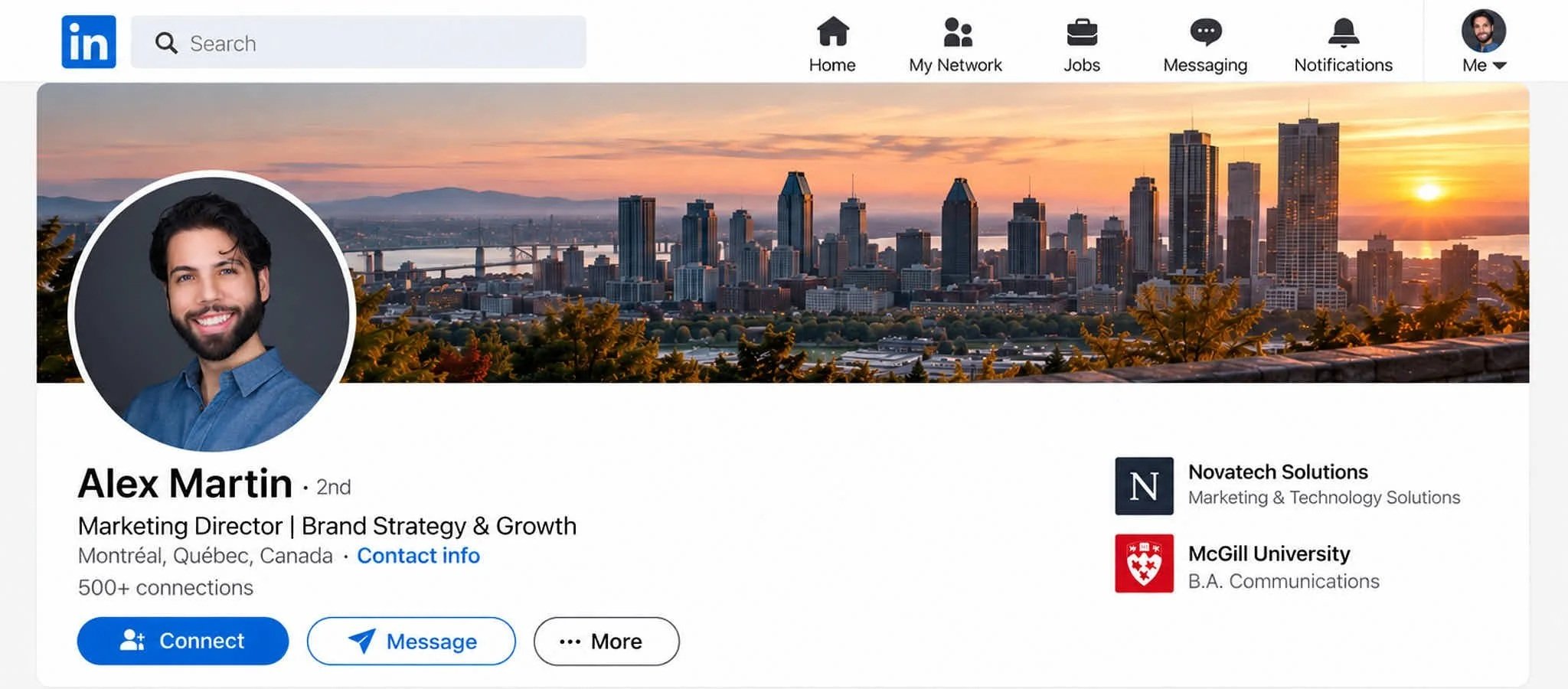
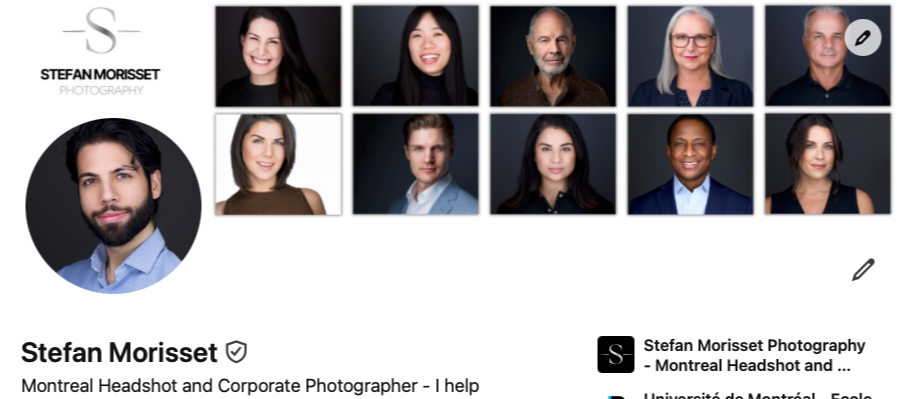
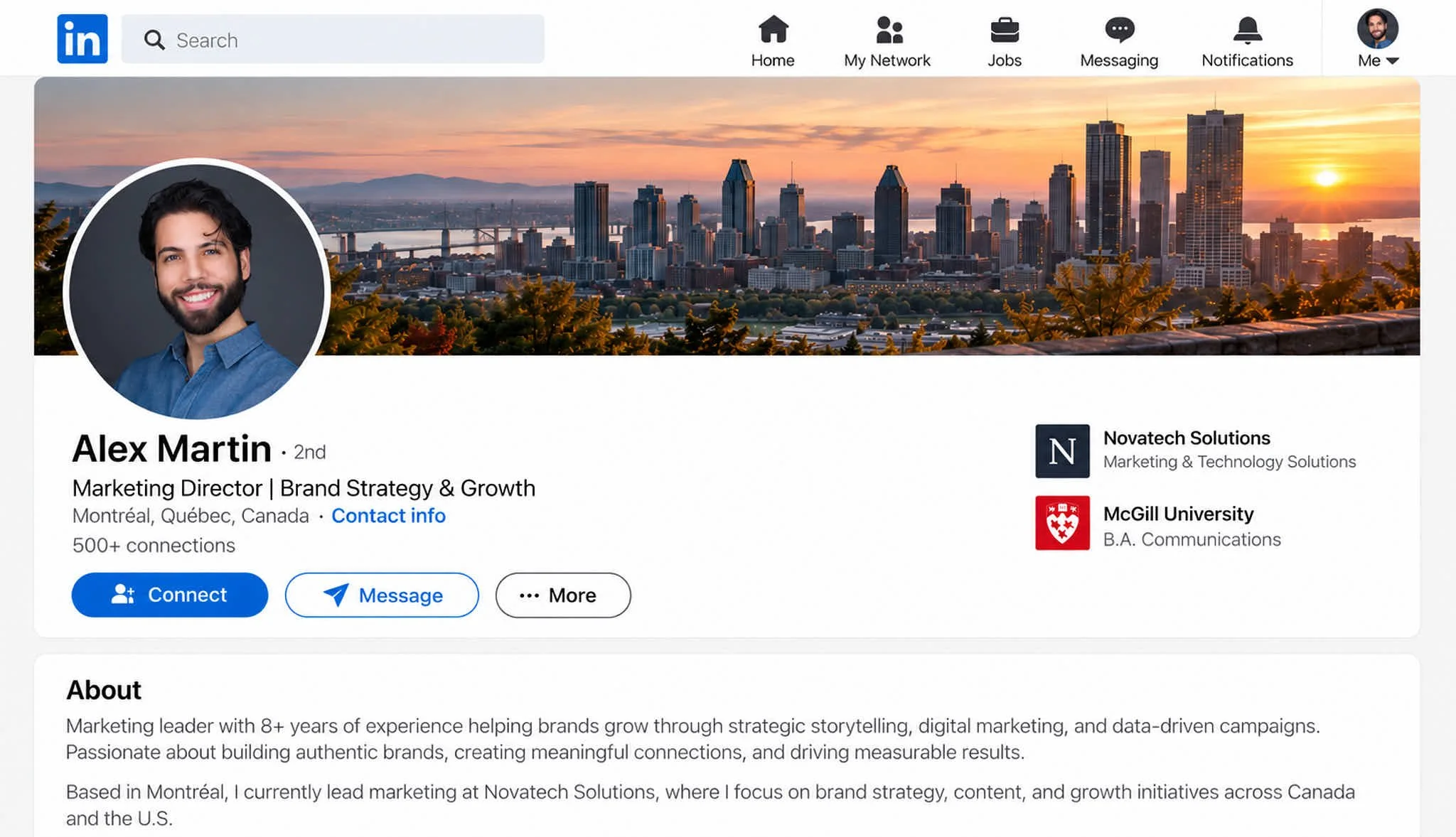
When it comes to your banner, there are two important guidelines. First of all, it is definitely important that you do use a banner! This adds a much more professional look and feel to your profile. Second, keep it clean.
Think of your profile picture as showing people who you are, while your banner can help show what you do.
For an easier and quicker banner, you could use a stock image of nice looking workplace offices, your city, or company branding.
13. LinkedIn Profile Picture Size, Resolution and Cropping
This doesn't have to be complicated. The main guideline is to upload a high resolution image, and to make sure you don't look blurry in it or when you crop it!
According to LinkedIn’s current specifications, your profile image can range from 400 × 400 pixels up to 7680 × 4320 pixels, with a maximum file size of 8 MB.
Cropping: For your actual LinkedIn profile picture, I recommend a tighter headshot cropped right underneath the shoulders (look at the three pictures above). Why?
Because your photo is displayed very small. Your face and expression should be the star of the show, not your body and not your clothes.
14. Summary: How to Get the Perfect Headshot for Your LinkedIn Profile
Creating the perfect LinkedIn headshot can make an important difference in how you're perceived. Start with a clean head-and-shoulders crop, flattering lighting, a simple background, well-fitting clothing, and most importantly, a natural expression that makes you look confident, trustworthy, and approachable.
If your personal brand matters to your career or business, invest in a professional photographer who can guide your posing and expressions. If you’re taking the DIY route, prioritize good lighting and a sharp, recent photo that actually looks like you. Keep your clothing classic, prepare your hair and grooming, and choose a background that keeps the attention on your face.
Finally, upload a high-resolution image, crop it tightly enough that your expression is clearly visible, and pair it with a clean LinkedIn banner.
Follow these guidelines and you’ll get an image that delivers a scroll stopping first impression that gets results: more clients, more authority, or a better chance of landing your dream job.
✨ If you’re looking for someone to help you redefine your digital presence, I’m here to help. I invite you to check out my page on professional headshots in Montreal
Frequently Asked
Questions
-
Yes, a genuine smile can work extremely well in a professional photo for LinkedIn, especially if you want to appear friendly and approachable. If a big smile doesn’t suit your profession or personality, a subtle confident smirk is another great option. The most important thing is that your expression looks natural rather than forced.
-
For the best results from a professional photoshoot for LinkedIn, prepare several well-fitting outfits, stick mostly to solid or neutral colors, groom your hair and facial hair, keep makeup natural, and choose a simple background. During your LinkedIn profile photoshoot, focus especially on your posture, eye contact, and expression. The goal is to look like a confident and approachable version of yourself.
For the best results, hire a professional headshot photographer.
-
The best photoshoot for a LinkedIn profile is one specifically designed around professional headshots rather than a general portrait session. Look for a photographer who specializes in headshots and can coach your posture and expressions while providing professional lighting and helping you choose a LinkedIn profile photo that fits your career and personal brand.
-
For a photoshoot for LinkedIn profile, female professionals should bring several outfit options that fit well and match the image they want to portray. Classic blazers, structured tops, professional dresses, and neutral colors photograph particularly well; keep jewelry simple, makeup natural and fresh, and choose an expression that makes you look confident and approachable.